
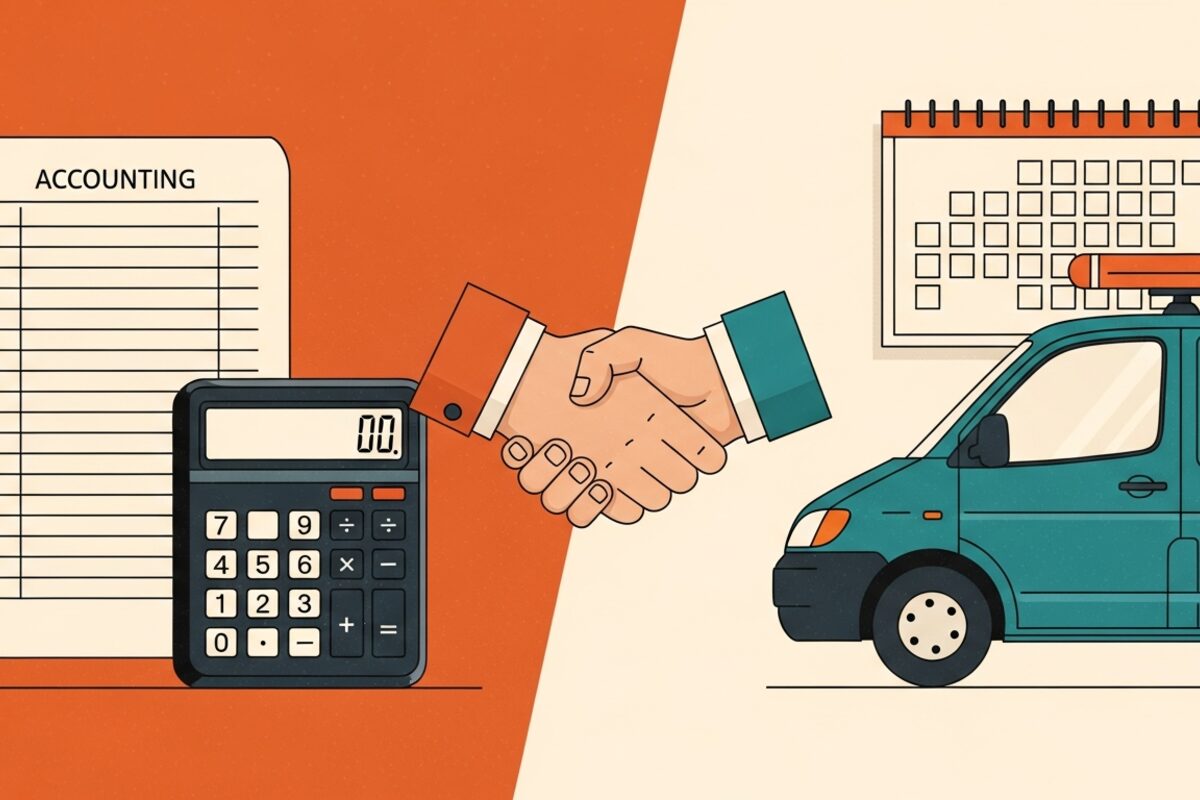

QuickBooks is excellent accounting software and a poor field operations tool, so most growing service businesses eventually need both: QuickBooks for the books and dedicated field service software for scheduling, quoting, dispatch, and job-site invoicing. The practical break point is usually around 200 to 300 jobs per month or your second technician, where the gaps in a QuickBooks-only setup start costing more than the price of adding a purpose-built system.
Key takeaways
- QuickBooks handles accounting well but was never built to schedule crews, dispatch jobs, or produce quotes on a driveway.
- Most owners hit the wall at their second technician or roughly 200 to 300 jobs per month.
- A field service tool plus a QuickBooks sync usually beats stretching QuickBooks with manual workarounds.
- The hidden cost of QuickBooks-only is unbilled work, slow quotes, and hours of double entry every week.
- Roooster runs the field side (quoting, scheduling, invoicing) and passes clean numbers to your accountant.
What does QuickBooks actually do well?
QuickBooks is built for the money side of a business: it tracks income and expenses, reconciles bank accounts, runs payroll, produces profit and loss statements, and hands your accountant clean books at tax time. For a solo operator invoicing a handful of clients a month, QuickBooks alone can carry the whole operation. You create an invoice, email it, and record the payment.
The trouble is that QuickBooks assumes the work is already scoped, scheduled, and done. It has no concept of a technician's day, a route, a job status, or a photo attached to a quote. It does not text a customer an on-my-way alert or let a tech collect a signature at the door. That is not a flaw in QuickBooks; it is simply outside what accounting software is designed to do.
Where does QuickBooks fall short in the field?
The gaps show up fast once you have crews in trucks. Here are the ones that cost real money:
- No scheduling or dispatch. You cannot see who is where, drag a job to a new slot, or balance a route. Most QuickBooks-only shops run the calendar in a separate spreadsheet or a whiteboard.
- Slow, generic quotes. Building a professional multi-option quote in QuickBooks is clumsy, and you cannot do it from a driveway in under a minute. Speed is a pricing advantage, and QuickBooks does not give it to you.
- No job-site invoicing. Collecting a signature and a deposit before the tech leaves is how you cut 30-day receivables to same-day. QuickBooks was not built for that moment.
- Double entry. Without integration, someone re-types every job into QuickBooks by hand. A two-truck shop can lose three to five hours a week to that alone.
Add it up and a QuickBooks-only shop routinely leaks revenue through unbilled add-ons, quotes that arrive Thursday instead of on-site, and receivables that drift past 45 days.
When should you add field service software?
There is no universal number, but three signals tell you it is time:
- Your second technician. One person can hold the schedule in their head. Two cannot, and the coordination overhead grows faster than the headcount.
- 200 to 300 jobs a month. Above this volume, manual scheduling and hand-keyed invoices stop scaling and start dropping details.
- Receivables over 30 days. If you are chasing payment weeks after the work, on-site invoicing pays for the software by itself.
If you check even one of these boxes, the math usually favors adding a dedicated tool. Field service software like Roooster's invoicing exists precisely to close these gaps, then sync the financial results back to your accounting.
Do you have to replace QuickBooks?
No, and you usually should not. The right pattern for most 1 to 50 employee service businesses is a division of labor: field service software runs the day (quoting, scheduling, dispatch, job-site invoicing, deposits), and QuickBooks stays the system of record for accounting, payroll, and taxes. A sync keeps the two aligned so invoices and payments flow into your books without anyone re-typing them.
That means your bookkeeper keeps the QuickBooks workflow they already know, and your techs get a tool built for the driveway instead of a desk. You are not throwing away accounting; you are adding the operations layer QuickBooks never had.
What does this cost, and does it pay for itself?
Roooster offers published plan tiers with a free trial and no credit card to start; see the pricing page for current details. Compare that to the cost of the leaks: one unbilled $180 add-on per week is more than $9,000 a year, and cutting five hours of double entry frees up most of a workday every month. The tool is designed to earn back its cost through faster quoting and fewer missed line items.
What does the two-system setup look like day to day?
The clearest way to picture the division of labor is to walk a single job through both tools. Say a homeowner calls Tuesday about a failing unit. The office books the visit on the field service calendar and the customer gets an automatic on-my-way text Wednesday morning. The tech arrives, diagnoses the problem, builds a three-option quote on a tablet in the driveway, and the customer approves the middle option with a signature and a 25% deposit before the tech leaves. That approved quote becomes a job, then an invoice, and the deposit is collected on the spot.
QuickBooks never touches any of that. It only wakes up at the end, when the paid invoice and the payment sync into the books as revenue. Your bookkeeper opens QuickBooks Friday, sees the transactions already sitting there, and reconciles them without re-keying a thing. The tech worked in the field tool, the office worked in the field tool, and the accountant worked in QuickBooks. Nobody crossed over, and nobody typed the same job twice.
Here is a quick checklist for deciding where each task lives:
- Field service software: scheduling, dispatch, on-my-way texts, quoting, deposits, job-site invoicing, customer history, recurring visits.
- QuickBooks: profit and loss, bank reconciliation, payroll, sales tax, expense tracking, year-end filing.
- The sync: invoices, payments, and customers flowing from the field tool into the books automatically.
Keep that line clean and you get the strengths of both without the double entry that sinks a QuickBooks-only shop.
FAQ
Can QuickBooks do scheduling on its own? Not in any real sense. QuickBooks has no dispatch board, route view, or technician calendar. Shops that try to force it end up running a separate spreadsheet or whiteboard, which reintroduces the double entry you are trying to avoid.
Will I have to enter data twice if I use both? Not if the two systems sync. Roooster passes completed invoices and payments to your accounting so your bookkeeper is not re-typing every job. Done right, you enter a job once in the field and it flows through to the books.
At what size does QuickBooks-only stop working? Most owners feel it at their second technician or around 200 to 300 jobs a month. Below that, a solo operator can often run on QuickBooks and a simple calendar.
Is field service software worth it for a one-person shop? Sometimes. If you quote a lot and want to close on-site or cut your receivables window, the faster quoting and same-day invoicing can pay off even solo. If you invoice a few clients a month, QuickBooks alone may be enough for now.
The short version: keep QuickBooks for the books, add a field tool for the field, and let them talk to each other. That is how service businesses grow without drowning in admin.
Ready to put this into practice?
Roooster helps home service businesses quote, schedule, and invoice faster.
Try Roooster free.